 2Vibe
Don’t spend exam week alone.
Sitting down with someone taking the same course is the quickest way past the topic you’re stuck on. Join study groups on your campus on 2Vibe or start your own.


- Free
- No ads
- 18+ only
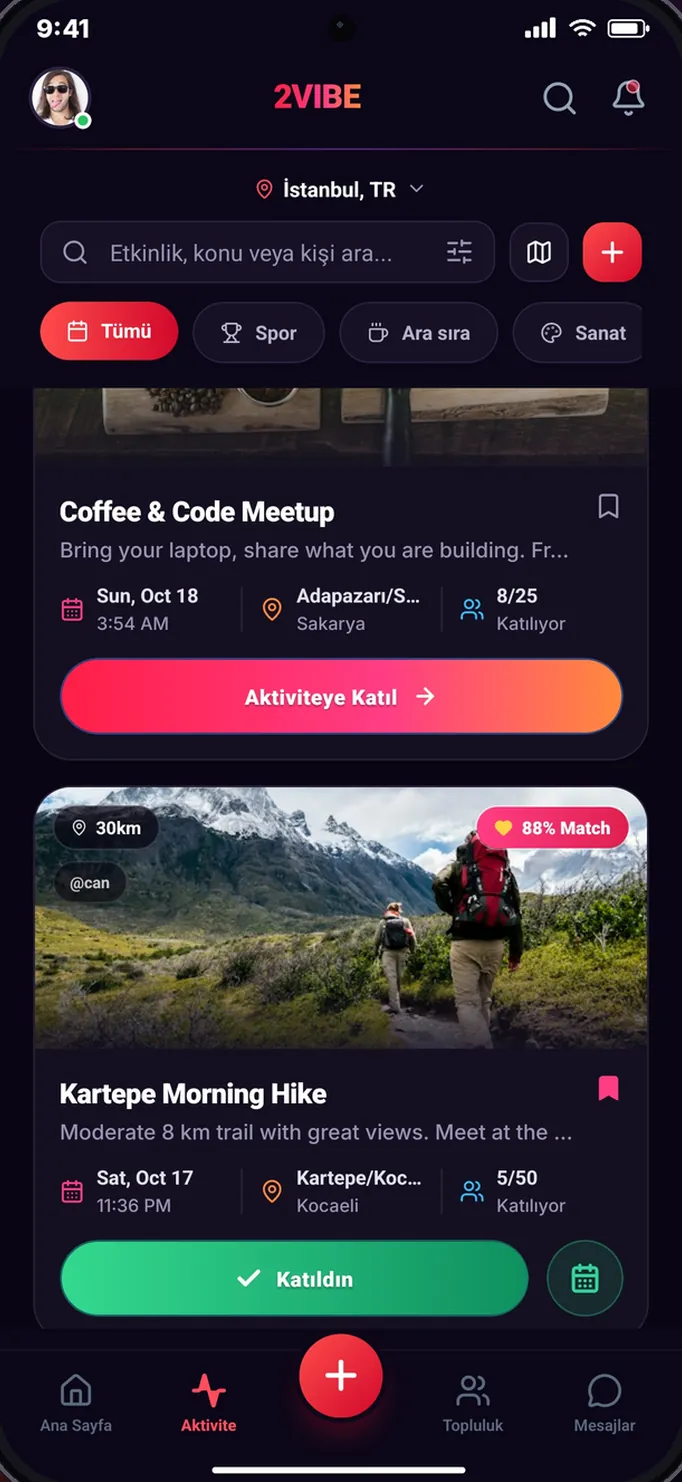
How it works
Start a study group in three steps
- 01
Add the course and place
Add the course, the topics, the place (library, café, campus) and the time. You can host an online session too.
- 02
Keep it small
Set a limit of 3–6 people for a focused session. Ask something like “what’s your major?” with a join form.
- 03
Study together
Share questions and photos of your notes in the group chat. Open a new session every week until the exam.
Tips
For a focused session
- State the goal: a clear target like “unit 3 practice problems” brings the right people.
- Agree on a rhythm, for example 50 minutes of study and a 10-minute break.
- Pick a library or a quiet café, and decide in the group chat who will save the table.
- The same works for coding and design: start a meetup to prepare for a hackathon or build a project team.
- If you run a club, start a community page and share events and announcements in one place.
FAQ
Frequently asked questions
How do I find a study buddy?
Look for study groups near your campus on 2Vibe, or start your own with the course name. People studying the same course see it and join.
Can I start an online study group?
Yes. Create the activity as online and add a Zoom, Google Meet or Discord link.
Can our club announce its events on 2Vibe?
Yes. Start a community page: organize activities on behalf of the community, share posts and announcements, and run the page together with admin roles.
What else is there?
Your next plan is on 2Vibe.
Get the app and see what’s happening around you this week.

Scan with your phone’s camera