 2Vibe
Learn a language by speaking it.
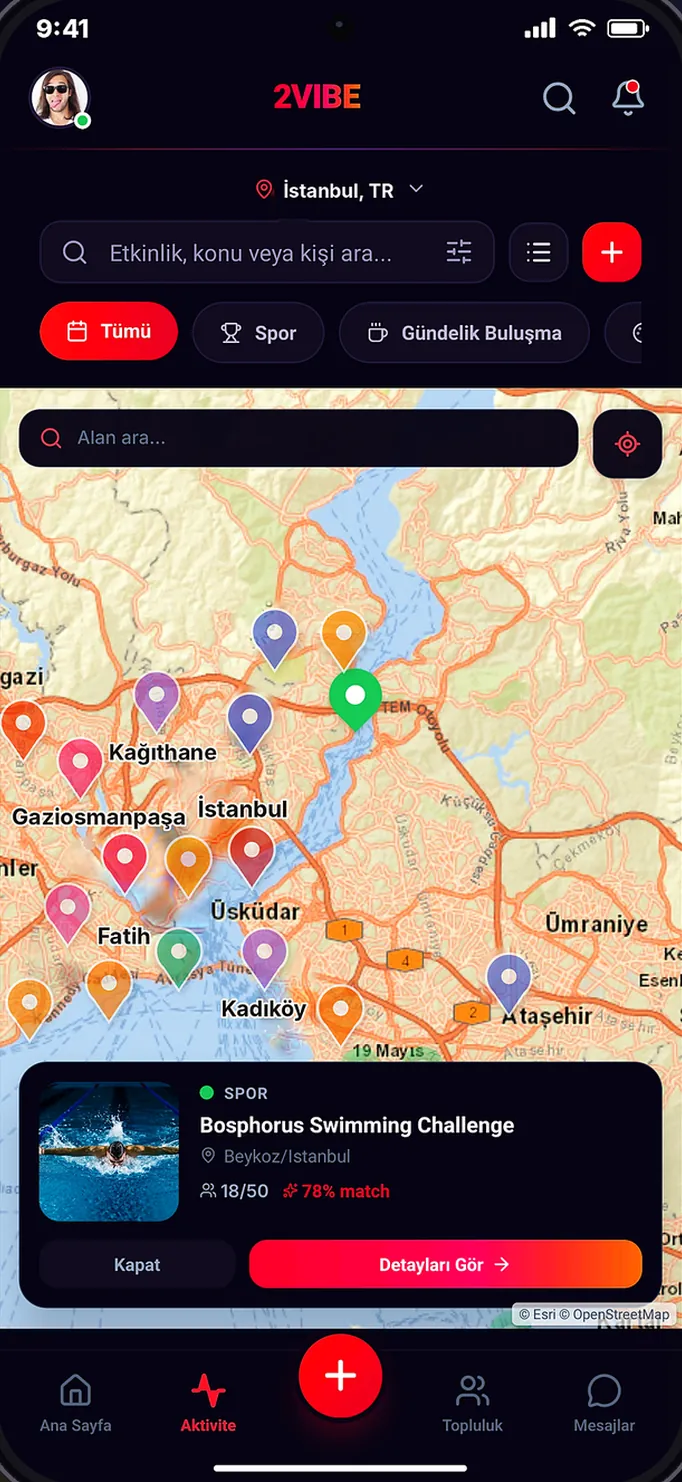
If you have nowhere to use what you’ve learned, a table at a café is enough. Join language exchange meetups near you on 2Vibe or start your own conversation group, and meet locals who want to practice too.


- Free
- No ads
- 18+ only
How it works
Host a conversation table in three steps
- 01
Set the language and level
Add the language, the level (beginner, intermediate, advanced), the place and the time. You can host an online meetup too.
- 02
Keep the table small
Set a limit of 4–6 people so everyone gets to speak. Turn on group chat and everyone who joins is added to it.
- 03
Talk
Pick a topic or chat freely. If you want to meet regularly, open a new activity every week.
Tips
To keep the conversation going
- Be clear about the level; beginners can feel shy at a mixed table.
- Make it an exchange: half the time in Turkish, half in English, so both sides benefit.
- Pick a place where you can hear each other, not a packed café.
- Topic cards or a recent news story help break the ice.
- For online meetups, add the Zoom, Google Meet or Discord link to the activity.
FAQ
Frequently asked questions
Where can I practice a language with native speakers?
Look for language exchange meetups near you on 2Vibe; anyone can host a conversation table at a café or on campus. If nothing fits, host your own.
Which languages are there?
It depends on what users host: English, Turkish, German, Spanish or another language. If there’s no meetup for yours, start one.
Can I practice online?
Yes. When you create an activity, choose online and add a Zoom, Google Meet or Discord link.
What else is there?
Your next plan is on 2Vibe.
Get the app and see what’s happening around you this week.

Scan with your phone’s camera